
SkratchPads
Scratch samples under full vinyl control. SkratchPads is the secondary mode of Loop Player — with Loop Player active, press SAVED LOOP again to enter it.
How it works
Tap a pad and that sample becomes the deck's audio, with its playback position driven 1:1 by your control vinyl — the record is the transport. Rock the record back and forth and you're scratching that sample exactly as if it were pressed on wax.
- Only one pad is active at a time — tapping a new pad switches the sound instantly, which is the point: juggle between stabs mid-scratch.
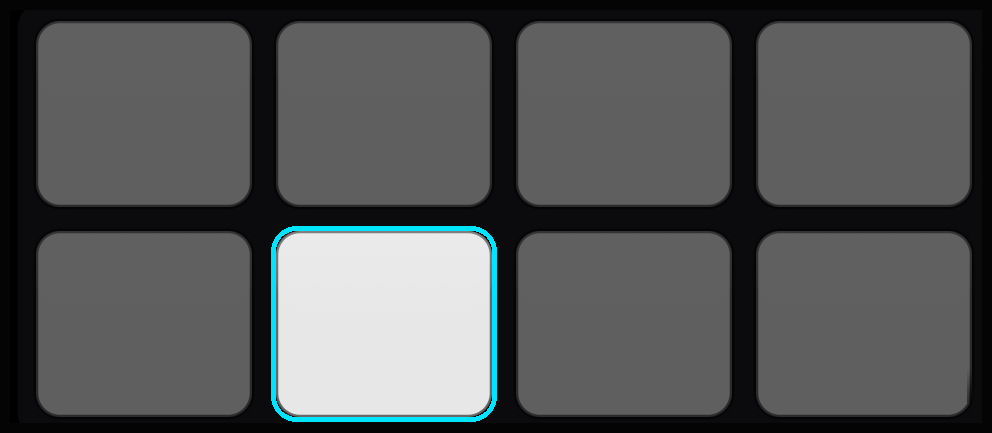
- 8 pads × 4 banks per deck, each with per-pad gain and its own pad color. Pads flash white on press.
- Sounds live in your Skratch Pads folder
(
~/Music/Skratch Attach/Skratch Padson Mac).
Bank 2: your Serato cue points, automatically
Load a track through Quick Load and bank 2 fills itself with that track's Serato cue points, read from the file's tags — then bank 2 activates automatically. Your existing cue-point routine carries straight over from Serato-prepared files, no setup.
Loading tracks: Quick Load
The Track Browser's Quick Load hands a full track to SkratchPads under DVS control — the fastest way to get from "found it in the library" to "scratching it on vinyl." Open the browser with a long-press on the platter center while DVS is active, or from the Universal Browser.
Requirements
SkratchPads is a DVS feature — you need control vinyl set up and tracking first. See DVS setup & troubleshooting.