
← App GuideRane OneSwitch device
Recording your set
Skratch Attach has a built-in tape deck for capturing your session.
Recording
- Tap the red dot in the top-left corner of the screen. The timer appears directly under it and starts counting.
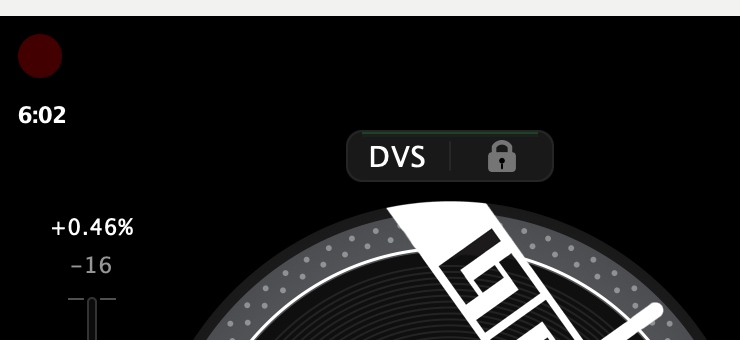 2. Play your set.
3. Tap again to stop.
2. Play your set.
3. Tap again to stop.
Recordings are written straight to disk as you play, so a long set is no problem.
What gets recorded
The session mix — what your audience hears, post-fader, effects and all.
Where recordings go
The Tapes folder inside the app's own Documents folder —
Documents/Skratch Attach/Tapes on Mac, Documents/Tapes on iOS, where
the Files app can reach it. Takes are numbered as they're made:
SA_Tape_01.wav, SA_Tape_02.wav, and so on.
The tape deck needs a DJ device. It is one of the things that is not there in Standalone mode.
← All guides2026-09 UI